
How Content Raptor Works
Most content tools scrape the top 10 results and tell you to match them. Content Raptor takes a different approach: it starts with your own Google Search Console data to find the pages where small improvements will drive the biggest traffic gains.
Pull in your real search data in 60 seconds
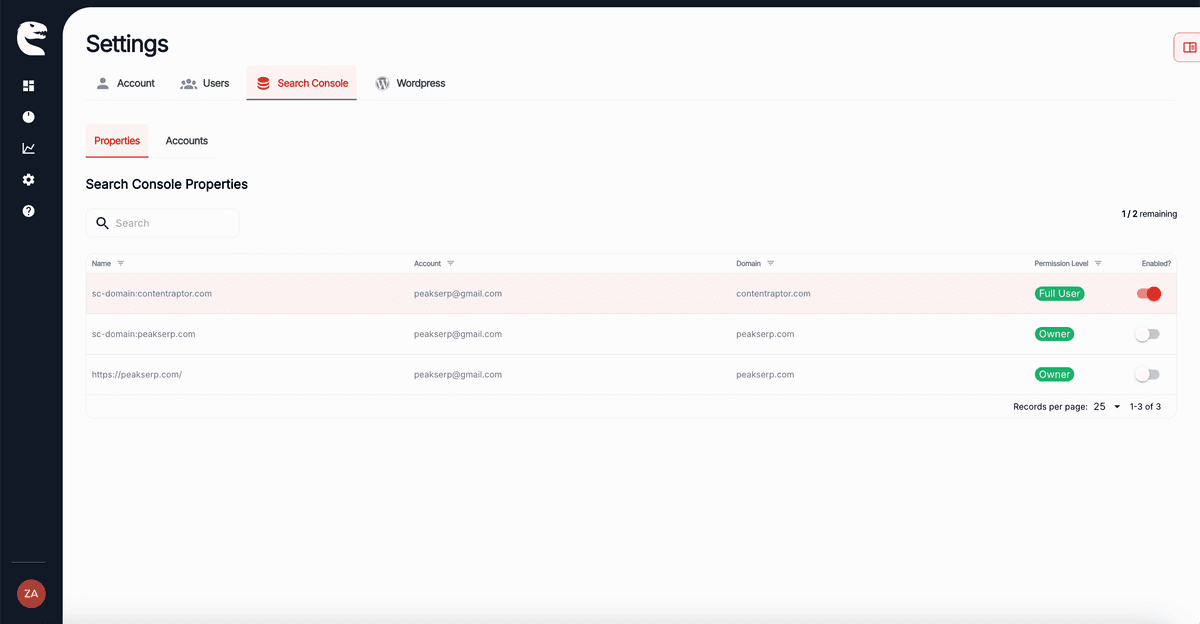
Sign in with your Google account and choose the properties you want to optimize. Content Raptor syncs your rankings, impressions, and clicks automatically.
Find the pages where small changes drive the most traffic
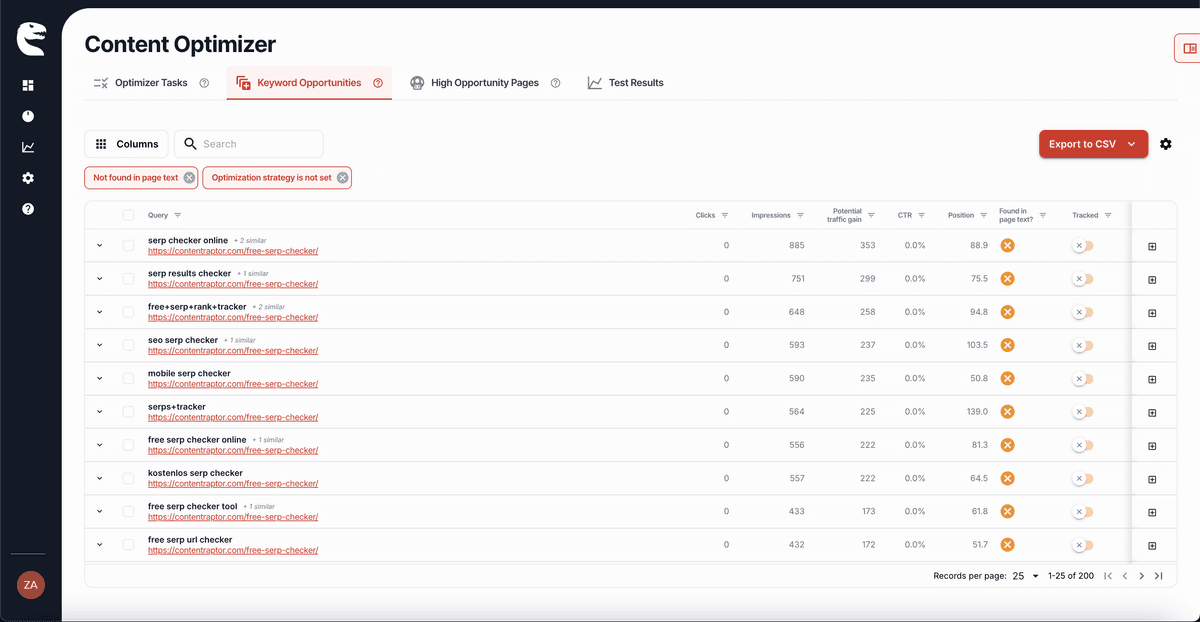
Content Raptor analyzes every keyword each page ranks for and surfaces the pages with the most traffic potential. You get a ranked list sorted by potential gain.
See exactly which keywords to add, then add them
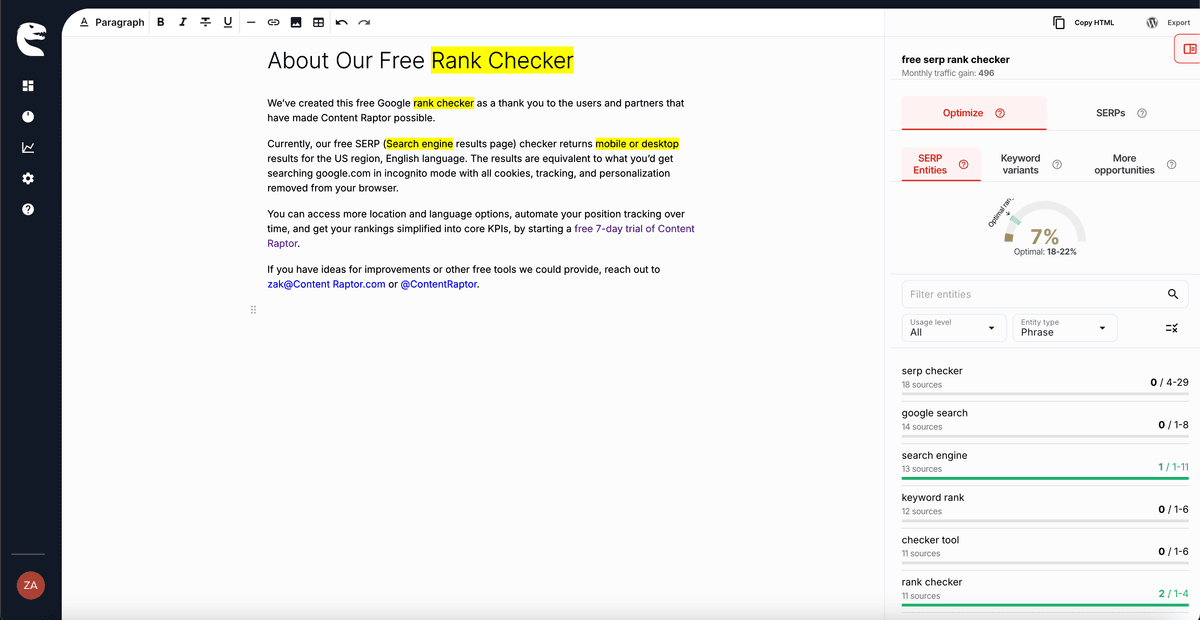
Open any page in the content editor to see missing keywords and entities. Use the AI rewrite tool to add them naturally, or make changes manually.
Measure whether your changes actually worked
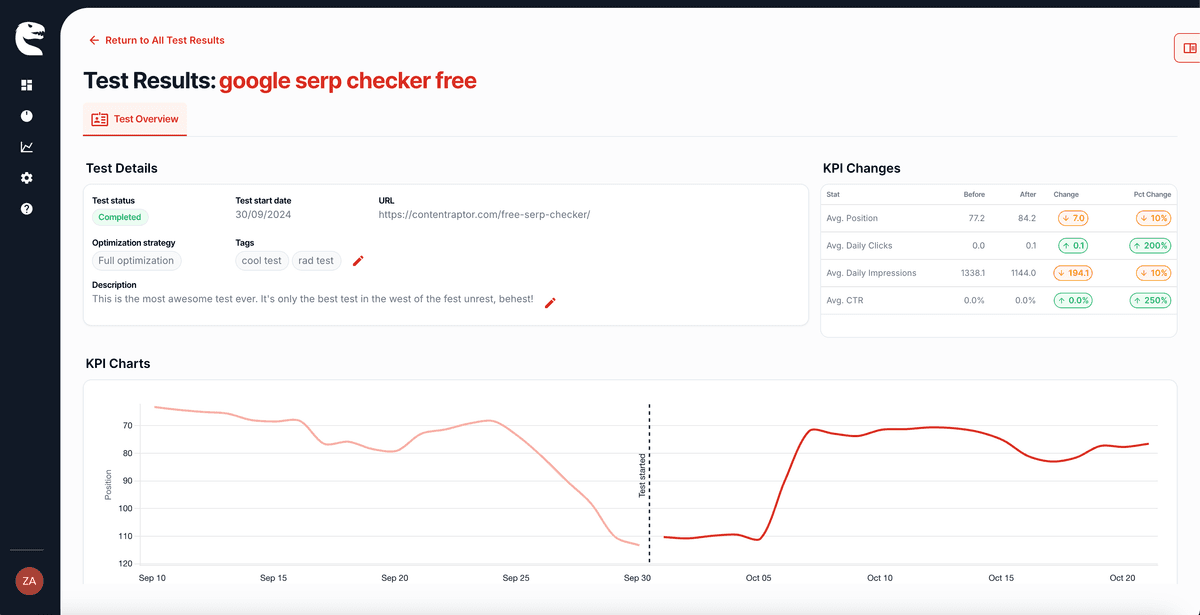
After you publish, Content Raptor runs a before/after test that tracks how your changes affected rankings, clicks, impressions, and CTR.
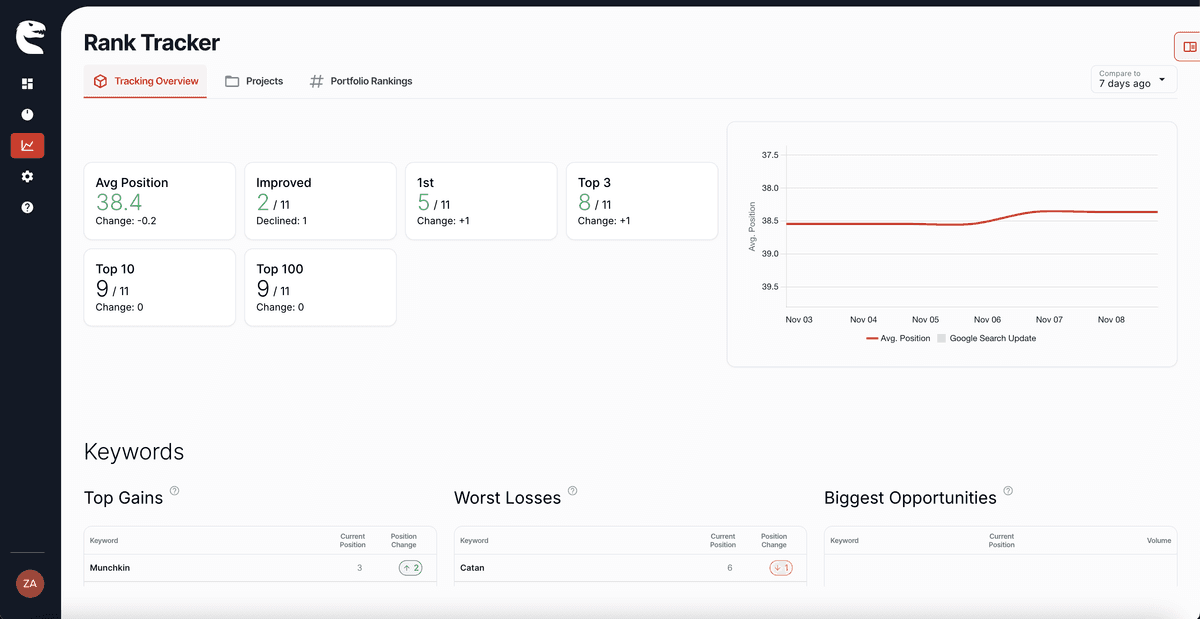
Track your keywords daily and watch them climb
Add your target keywords to the built-in rank tracker. Monitor daily position changes and see the long-term impact of every optimization.
“Content Raptor is helping me massively to analyze the SERP fluctuations on a daily basis, particularly through Google Core updates and offers the unique ability to group content together via tagging.”
Joe, Niche Campus
Ready to find your best SEO opportunities?
Start your free trial and connect your Google Search Console. No credit card required.
Get started free